Choose a Service
Pick dog grooming, cat bath and comb-out, or a standalone nail trim with sample starting prices.

Book pet grooming online
Select a sample grooming service, add fictional pet details, choose from seeded availability and review a test confirmation. This page does not create a real appointment, contact a physical salon or process a real payment.
Use sample information only. Do not enter real medical, identity or payment data.
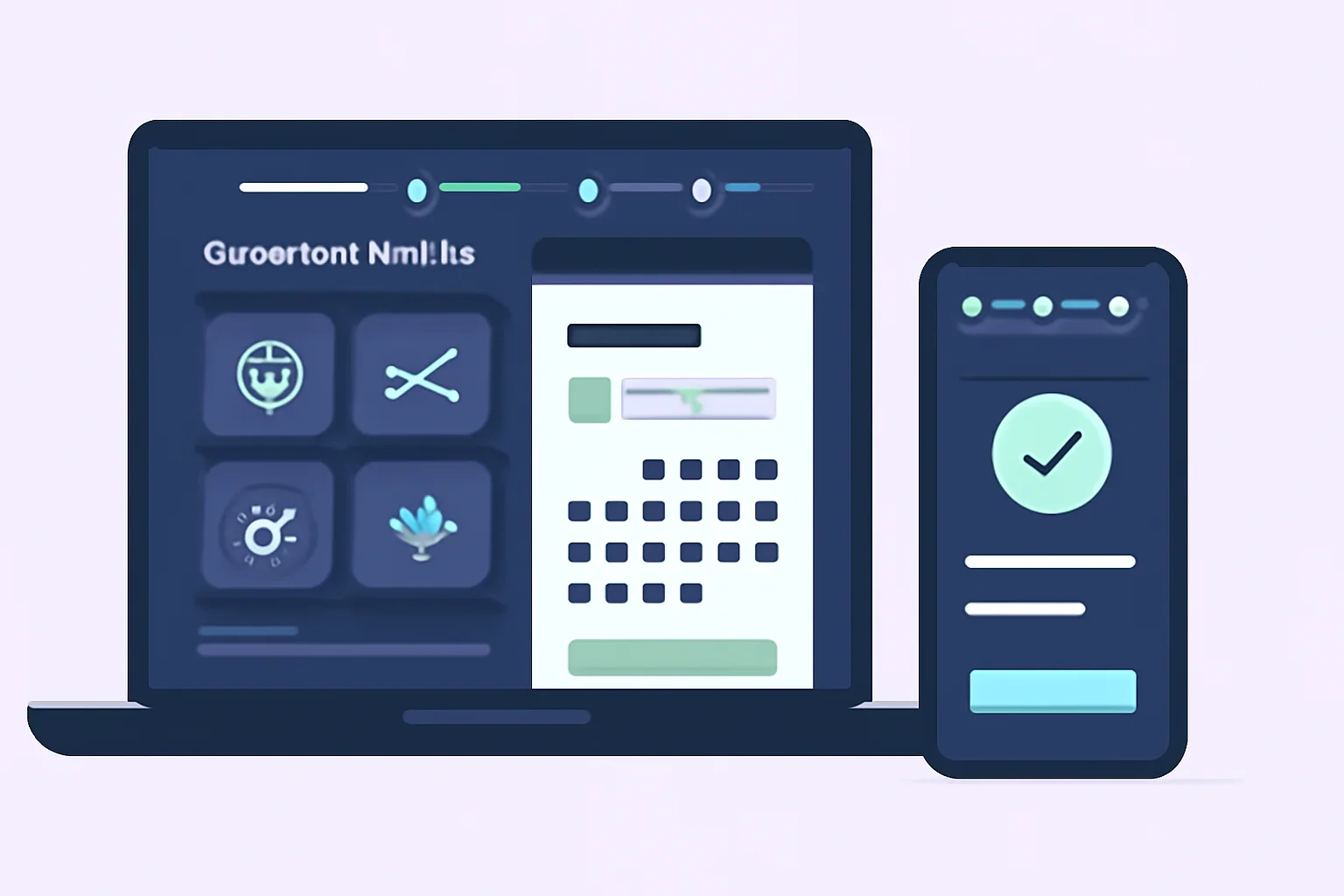
How the demo works
The booking flow mirrors the information a grooming salon needs while keeping the demo boundaries visible at every stage.
Pick dog grooming, cat bath and comb-out, or a standalone nail trim with sample starting prices.
Use fictional species, size, coat, behaviour and handling notes. Do not enter real sensitive information.
Choose from seeded demo availability. A protected hold may appear while you complete the next step.
Accept demo consent, view the test deposit and finish without creating a real service obligation.
The WordPress booking shortcode is preserved below so the seeded service and availability interface can render in the live demo environment.
Please contact the salon directly and the team will be happy to help.
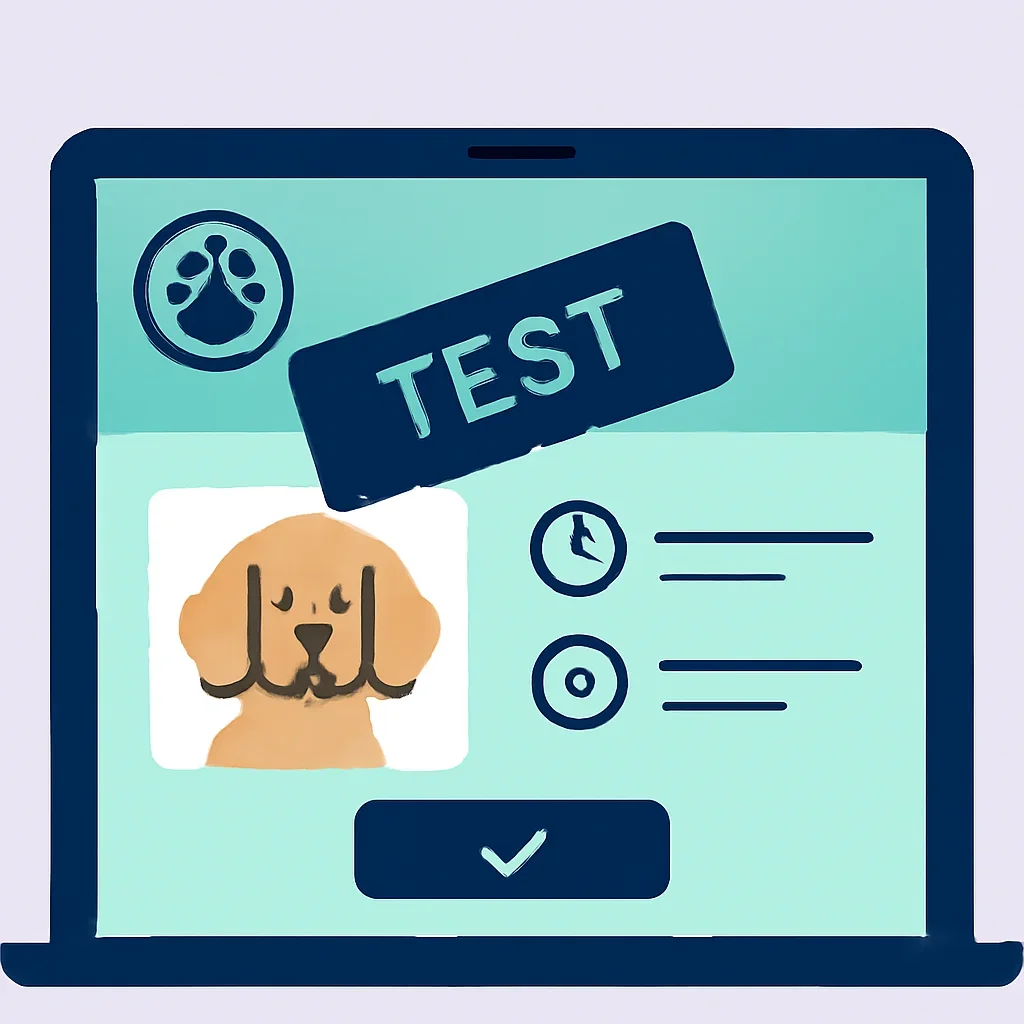
Before confirmation
Review each summary before finishing. A useful booking confirmation should make the selected service, sample starting price, time, deposit and salon policies easy to see.
Booking safeguards
Completing the flow does not place a pet on a real salon calendar or assign a real groomer.
Any deposit is calculated with sample prices and processed only through approved test-mode steps.
A confirmation screen does not create a grooming agreement, payment duty or expectation of care.
Booking questions
The demo can use protected holds to prevent the same seeded time from being selected twice during an active test session. A hold does not reserve a real appointment.
Use fictional names, breeds, coat notes and contact details. Do not submit real health information, card numbers or other sensitive data.
It is a sample calculation based on the fictional starting price. The checkout must remain in Stripe test mode, and no real funds are transferred.
Because no real appointment is created, there is no real cancellation obligation. The interface may still demonstrate the fictional policy and cancellation workflow.
Review sample prices, preparation notes and policies so each booking step has a clear purpose.